Mobjects
The film's code
import manimgx as m


class MobjectsHero(m.Scene):
    def construct(self) -> None:
        def curve(x: float) -> float:
            return 0.5 * x**2

        axes = m.Axes(x_range=[-2, 2, 1], y_range=[0, 2, 1], x_length=3.2, y_length=2.2)
        graph = axes.plot(curve, color=m.BLUE)
        kinds = m.VGroup(
            m.Square(color=m.BLUE, fill_opacity=0.5),
            m.Star(color=m.YELLOW, fill_opacity=0.5),
            m.Arrow(m.LEFT, m.RIGHT, color=m.GREEN),
            m.Text("Text", font_size=64),
            m.MathTex(r"e^{i\pi} + 1 = 0", font_size=56),
            m.VGroup(axes, graph),
        )
        kinds.arrange_in_grid(rows=2, buff=(1.2, 1))
        self.play(
            m.LaggedStart(
                *[m.FadeIn(kind, shift=0.3 * m.UP) for kind in kinds], lag_ratio=0.15
            )
        )
        self.wait()
A mobject is anything a video shows: a shape, a text, a formula, a graph. Making a mobject doesn't show it: add it to the scene, or play an animation that brings it in.
Every mobject has three things:
- Points, which give its place and its shape. They are in units: the frame's short side
is 8 units, and its center is the point
[0, 0, 0]. - A style: the color and opacity of its stroke and of its fill.
- Parts, which are mobjects too: a group's members, a formula's terms, a graph's axes. What you do to a mobject, you do to all its parts.
Every mobject can do what the first pages tell, whatever its kind: be placed, sized and turned, styled, grouped and copied. The pages after them tell each kind of mobject.
What every mobject can do
-
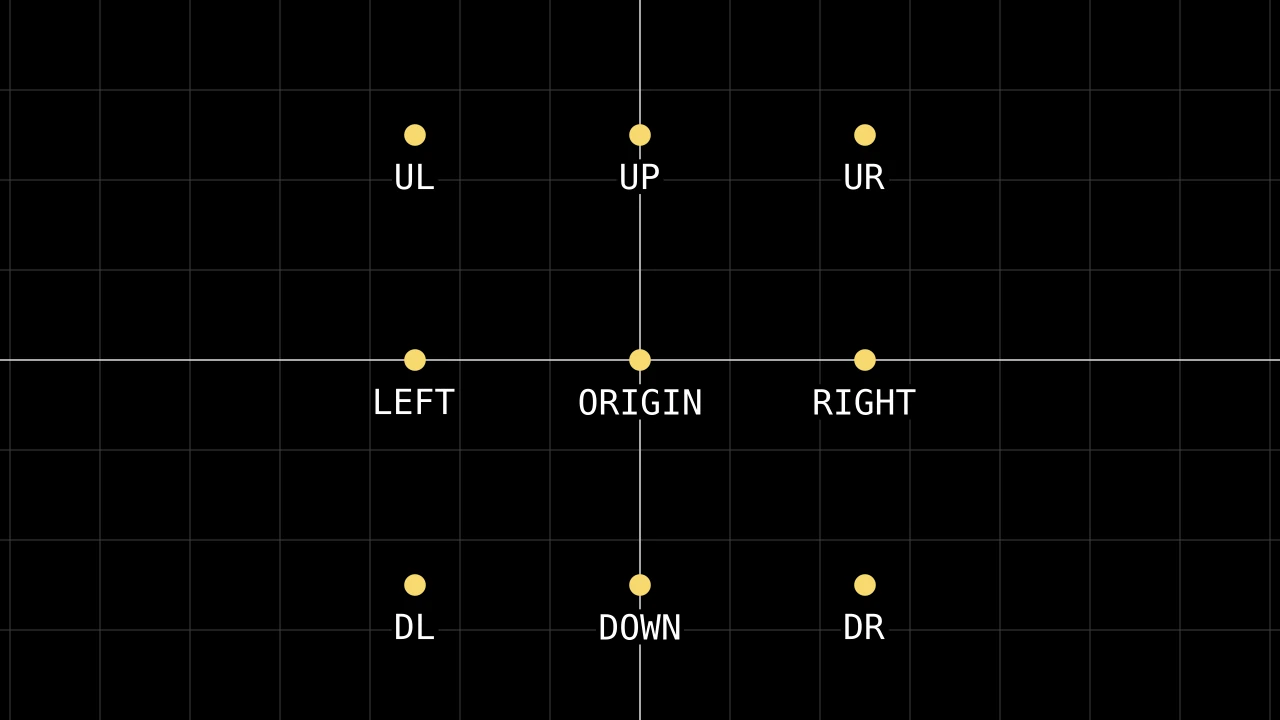
Points and directions, and the methods that place a mobject: at a point, by another mobject, at the frame's edge.
-
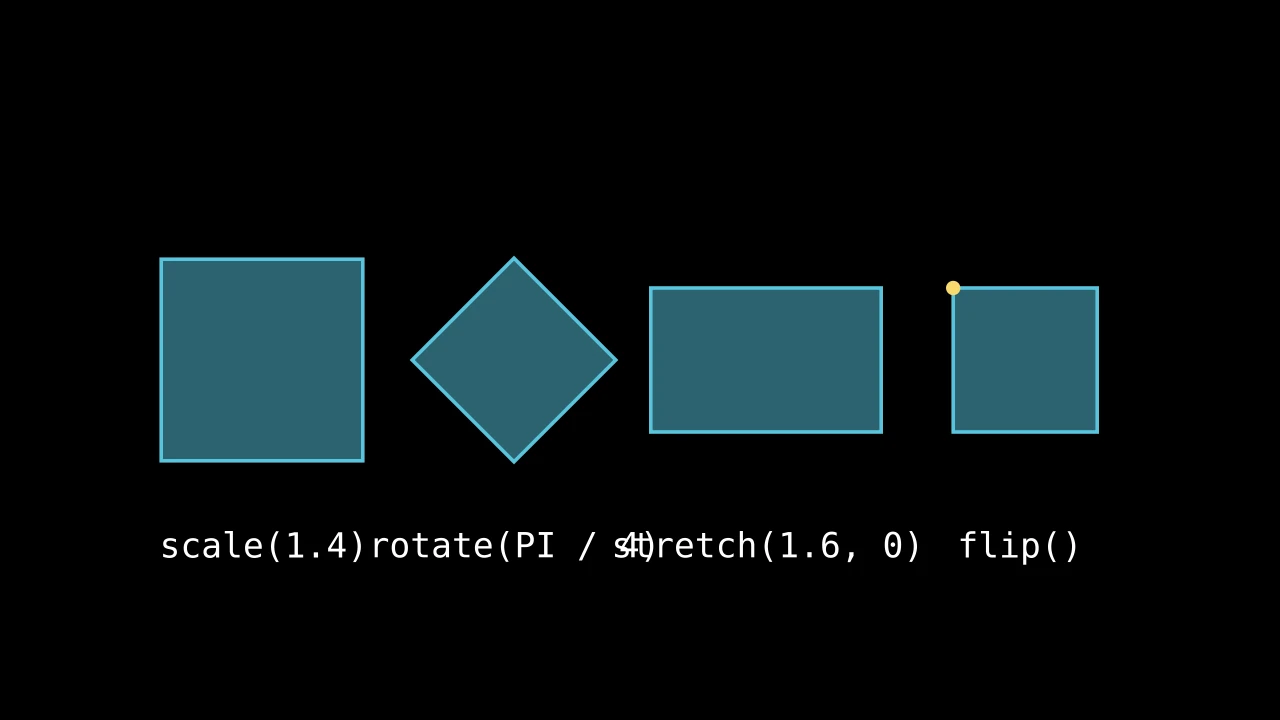
Scale, stretch, turn and flip a mobject, or move every point through a function.
-
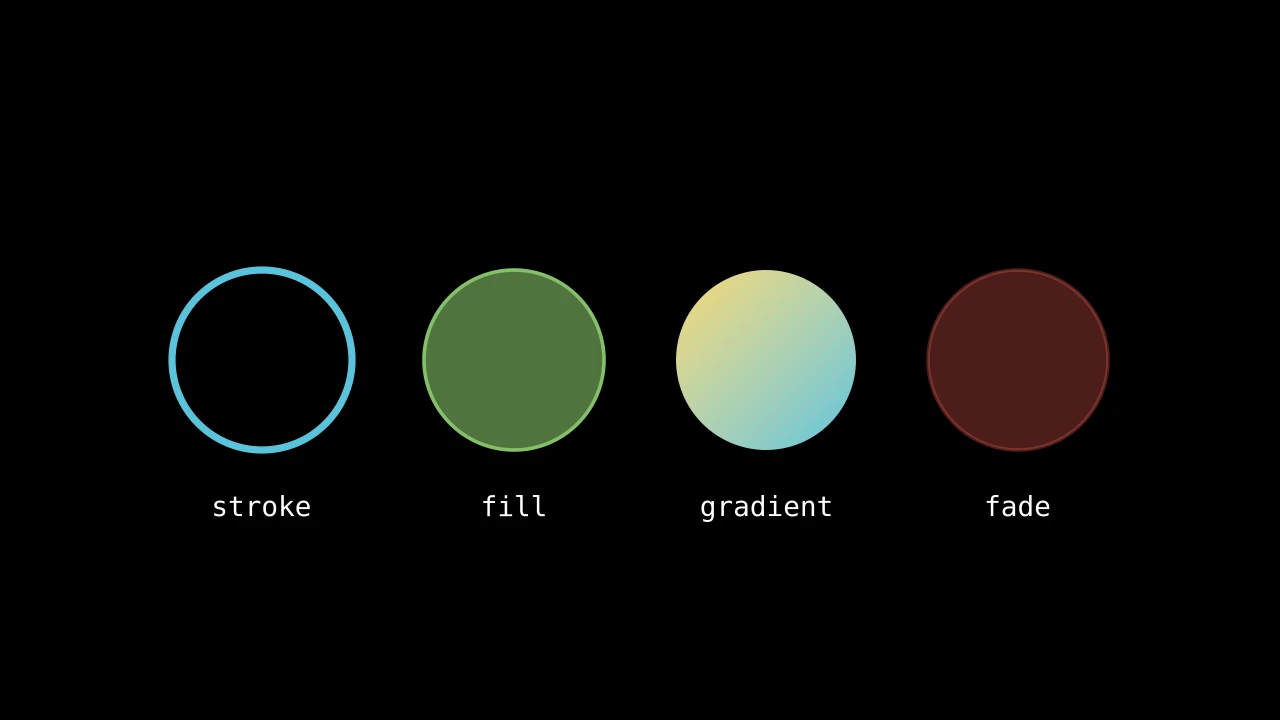
Stroke and fill, color and opacity, gradients, and what covers what.
-
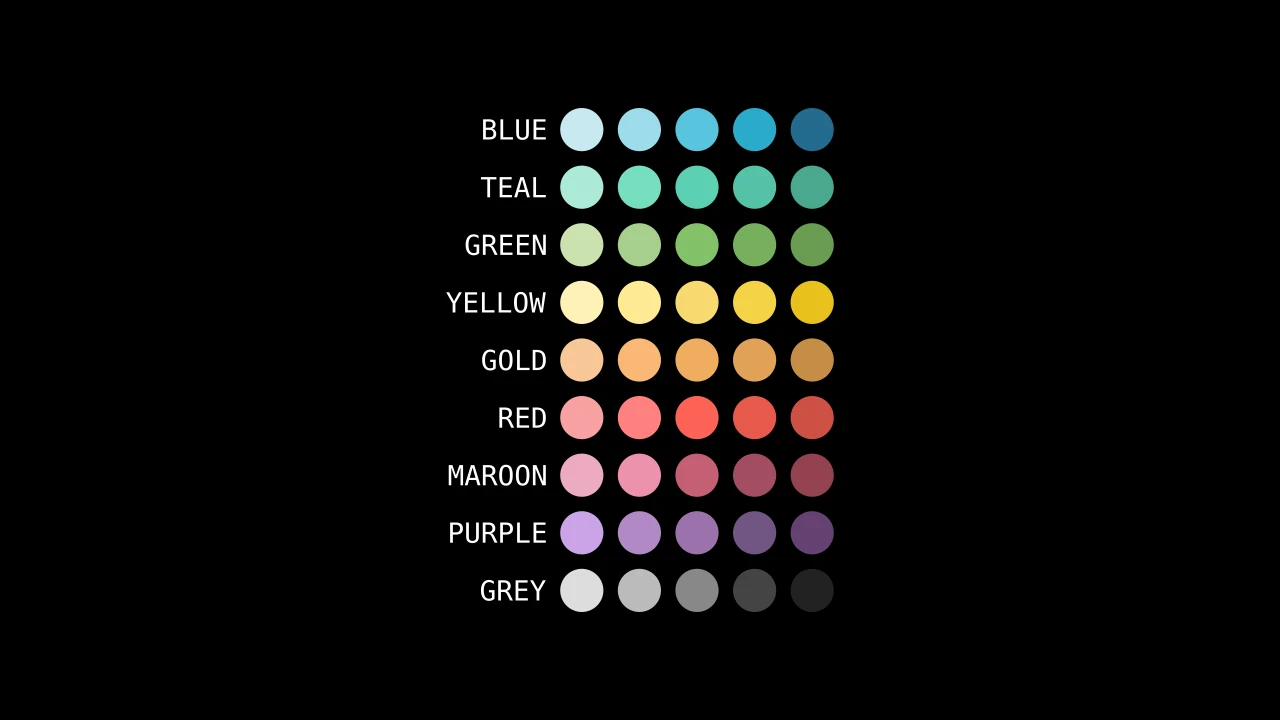
The named colors, and the functions that make, blend and choose colors.
-
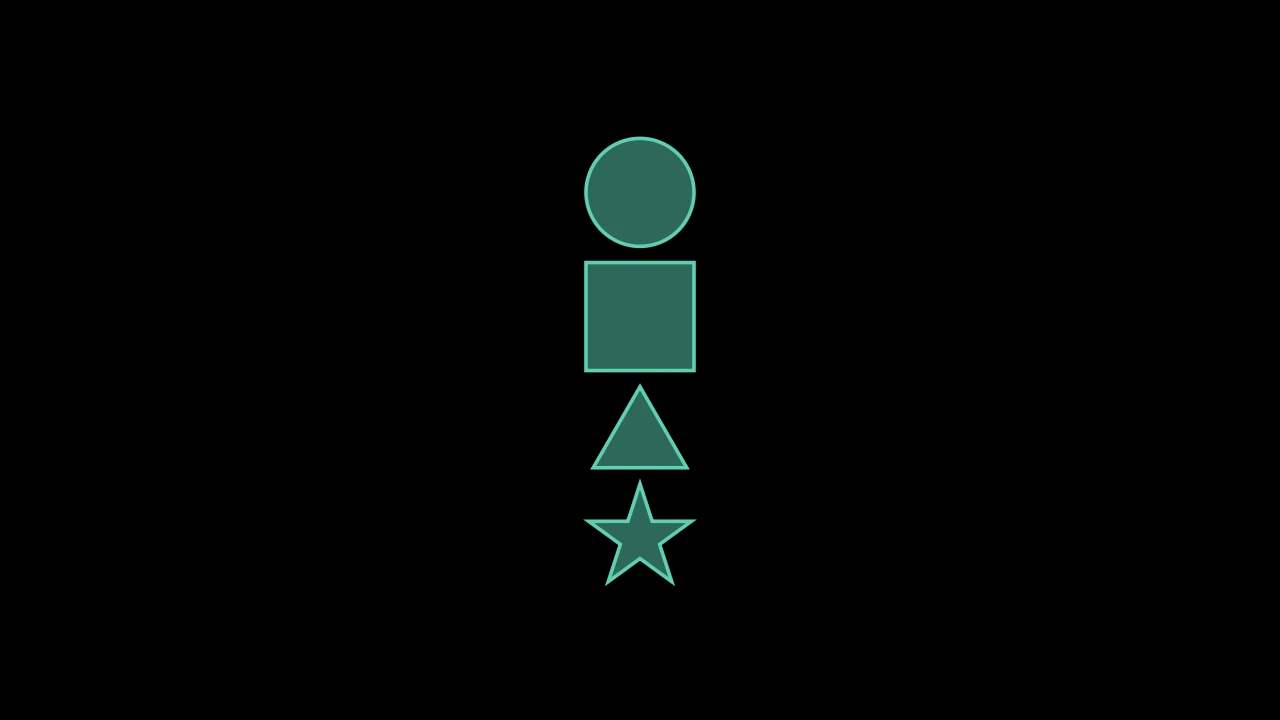
Mobjects made of mobjects: add, remove, arrange and sort the parts.
-
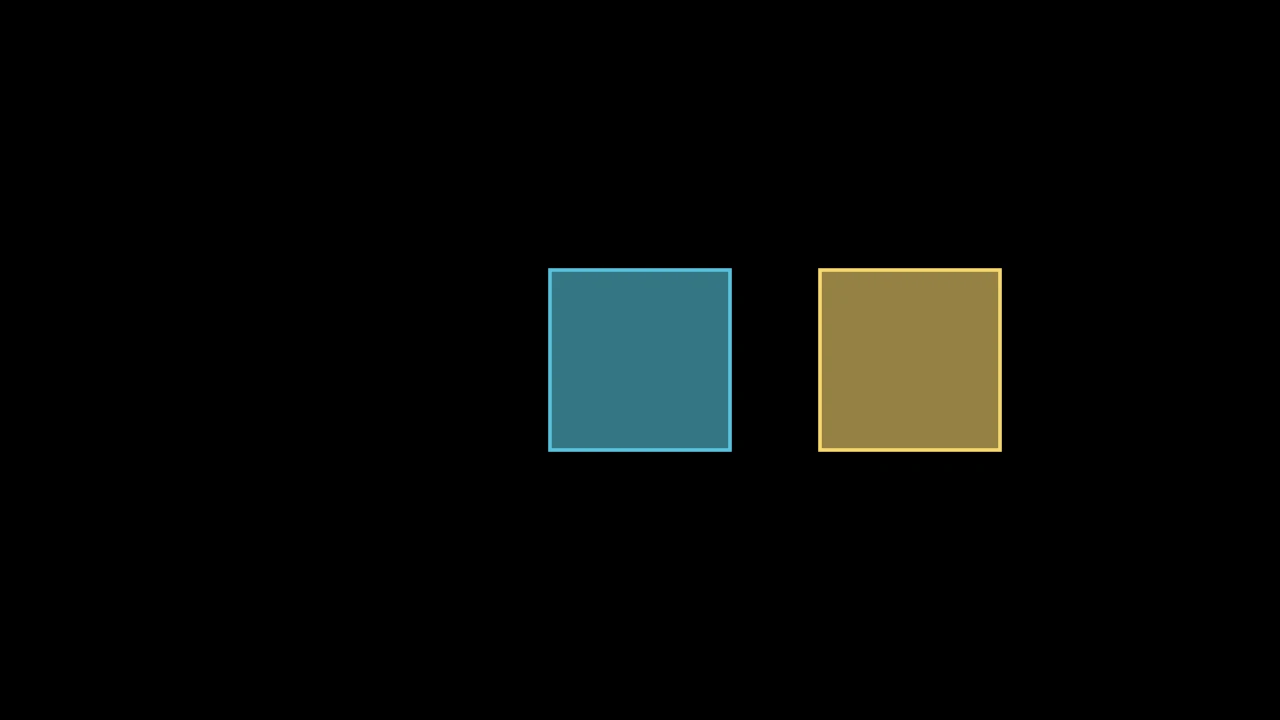
Copy a mobject, keep its state to come back to, and prepare a state to move to.
-
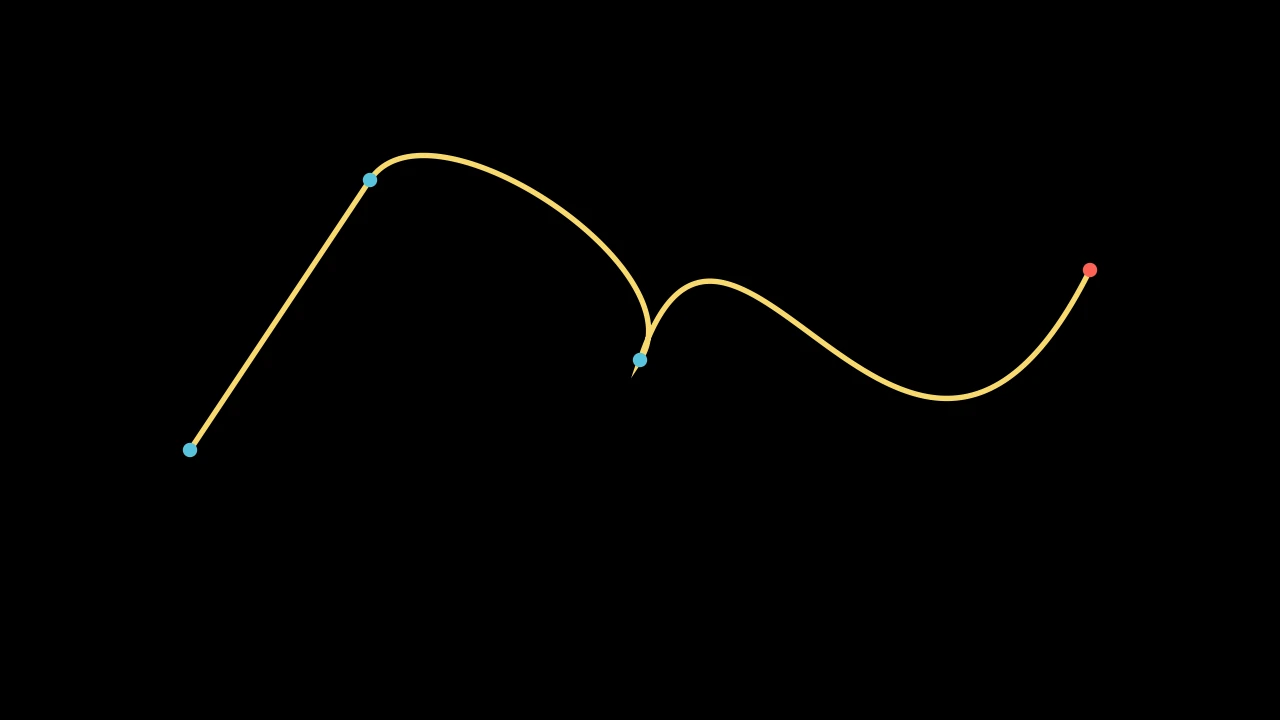
The curves a shape is made of: draw a path of your own, and find points along one.
Kinds of mobjects
-
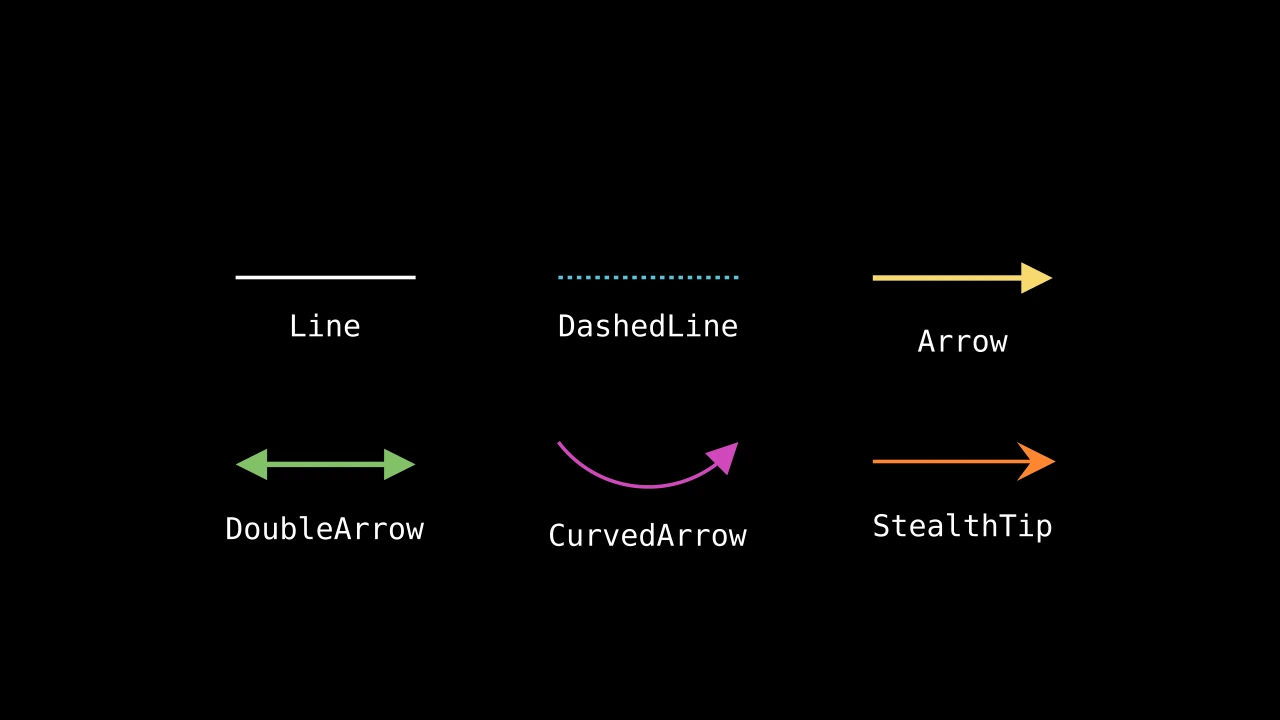
Lines and arrows, circles and arcs, polygons, and shapes made from other shapes.
-
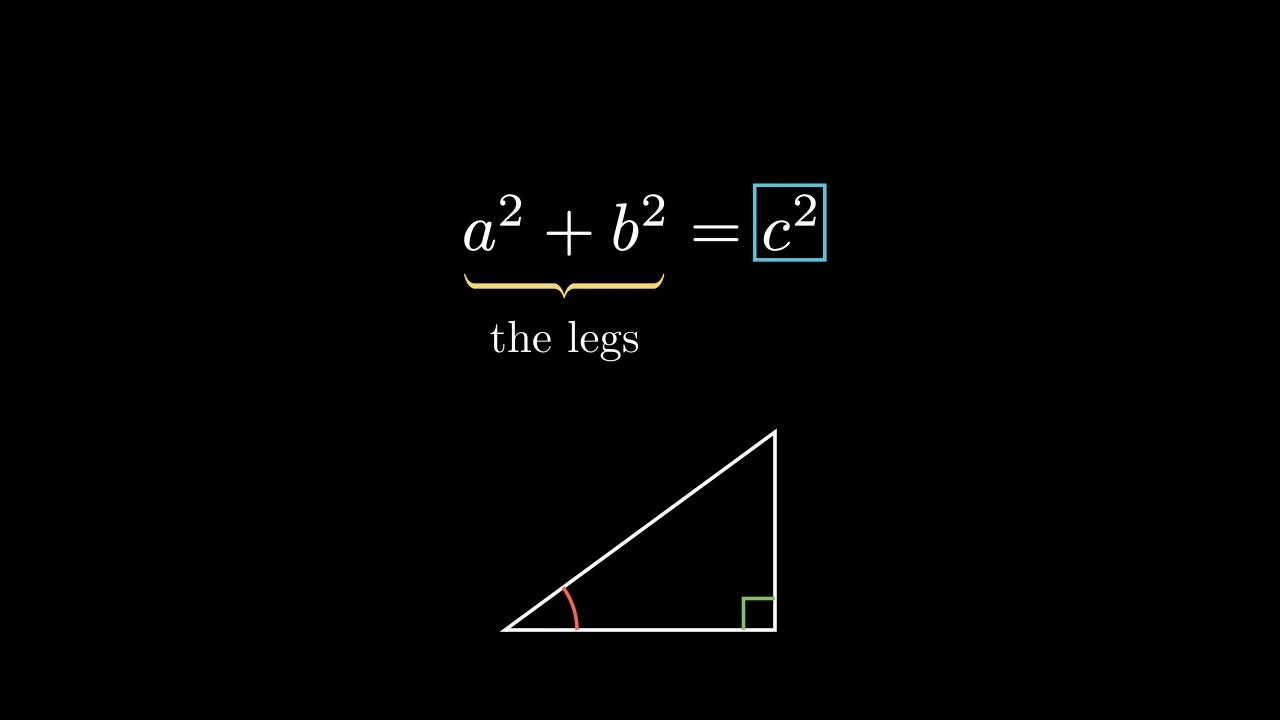
Braces, labels, frames, underlines and angle marks: what points at other mobjects.
-
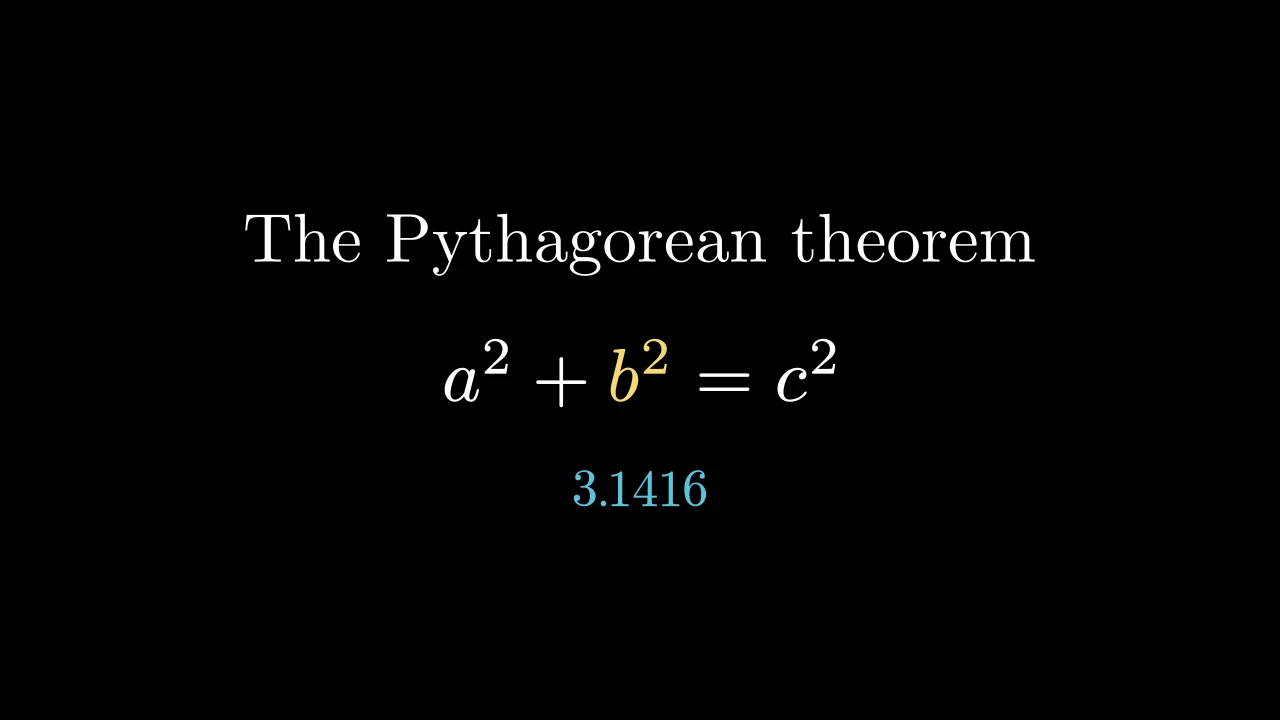
Words, formulas and numbers, set by Typst inside manimgx.
-
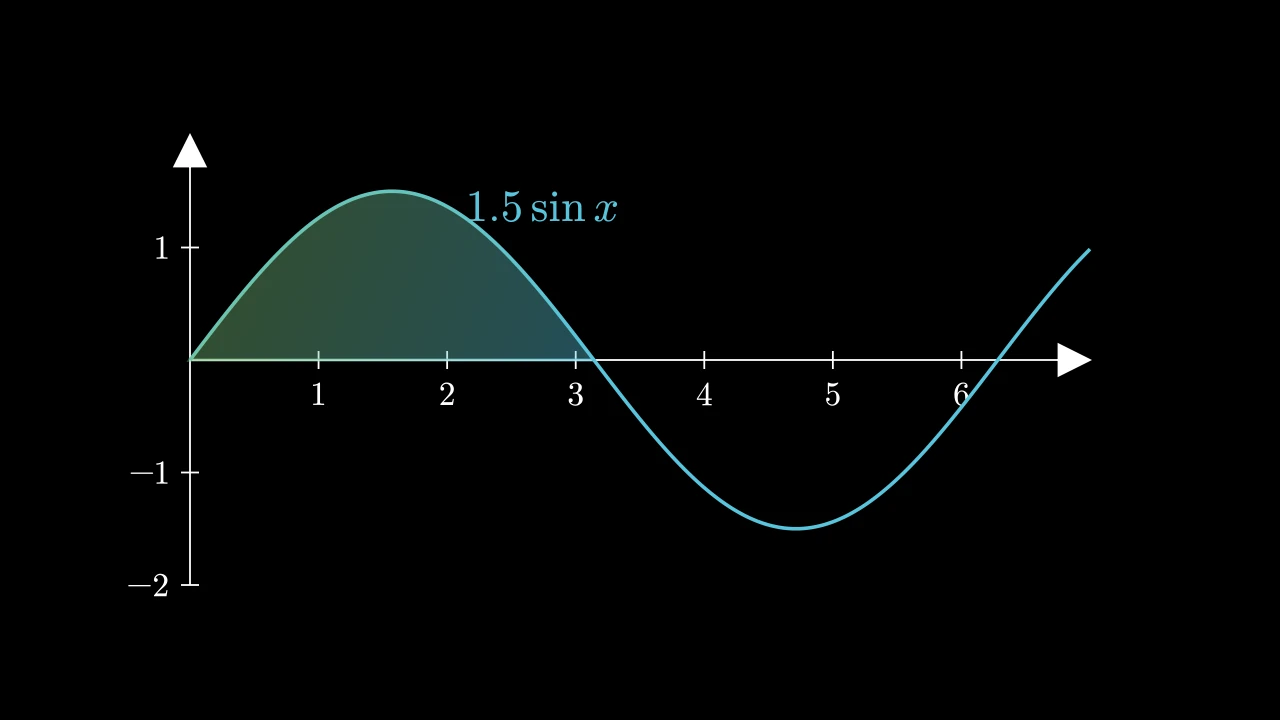
Axes, number lines and planes, the graphs of functions and data, vector fields.
-
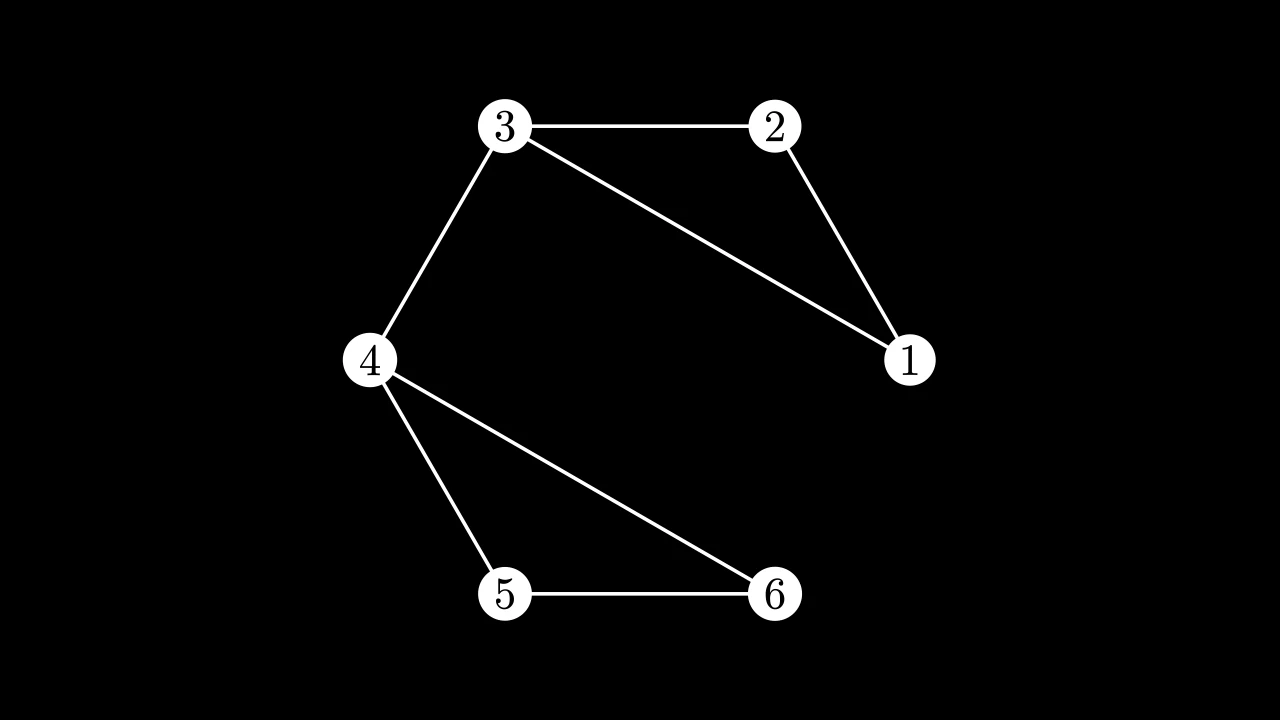
Vertices joined by edges, laid out for you, which grow and change.
-
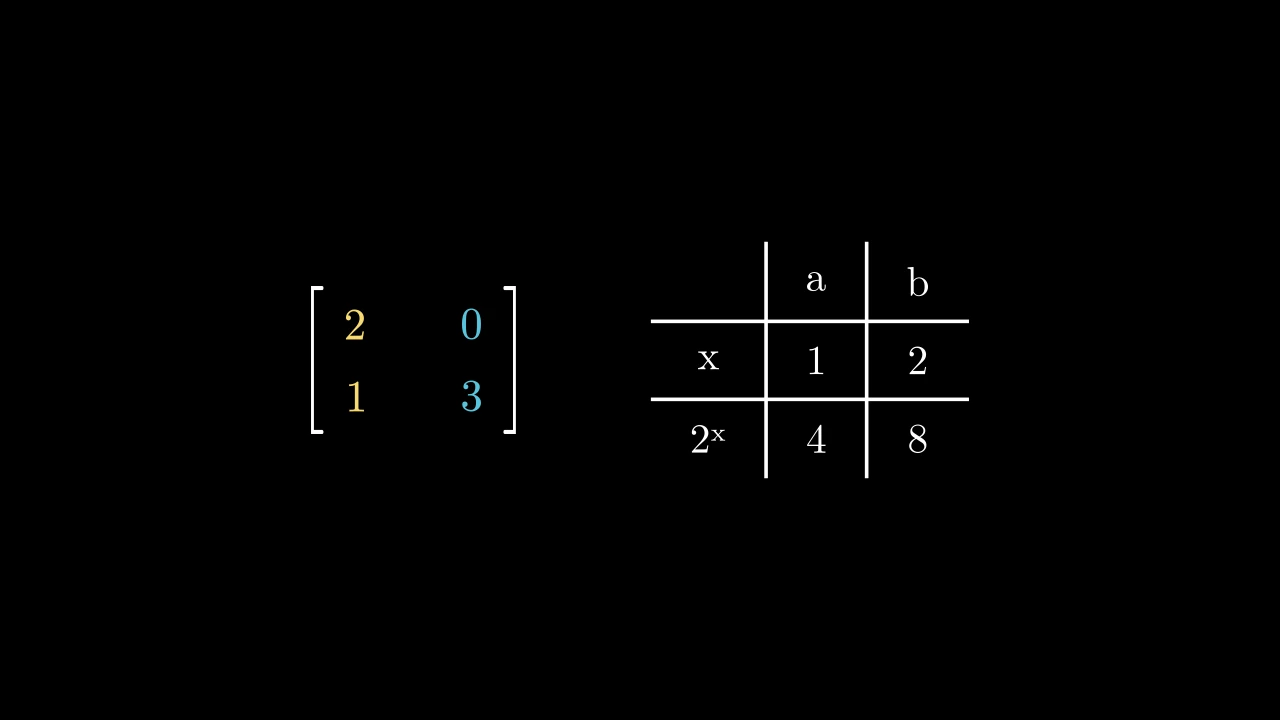
Entries in rows and columns, between brackets or between lines.
-
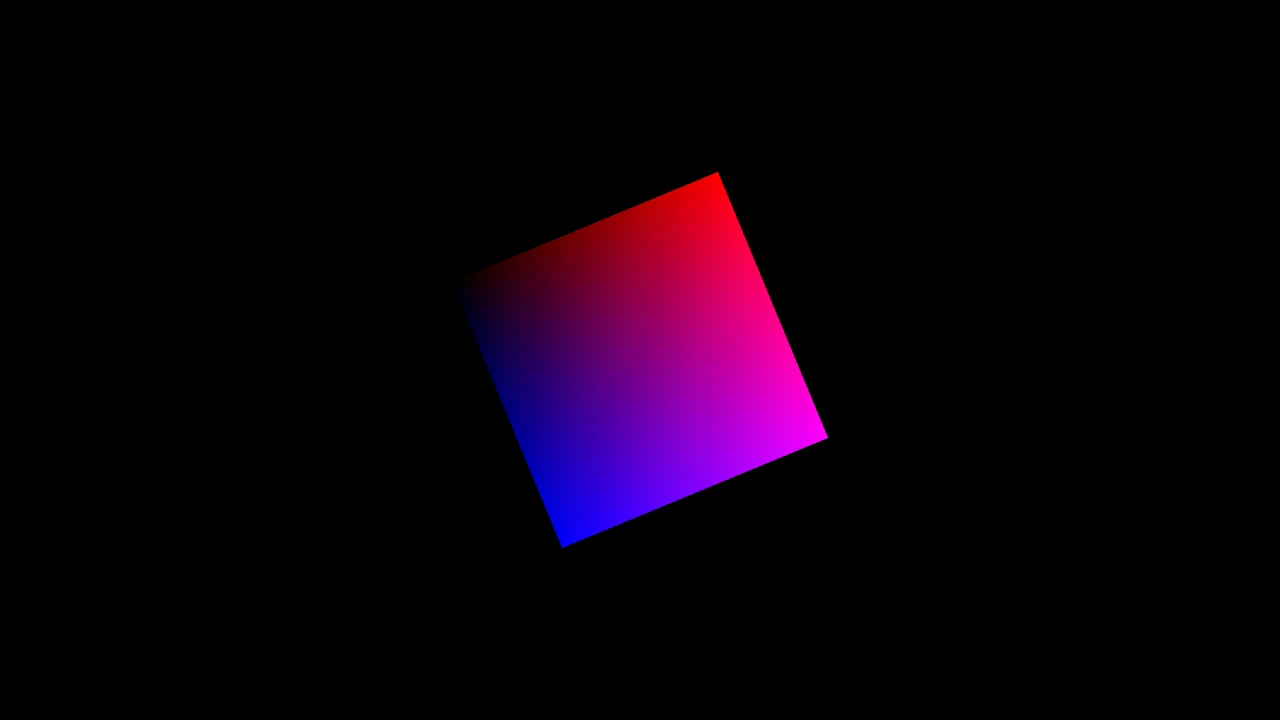
Pictures from files or pixels, and drawings read from SVG files.
-
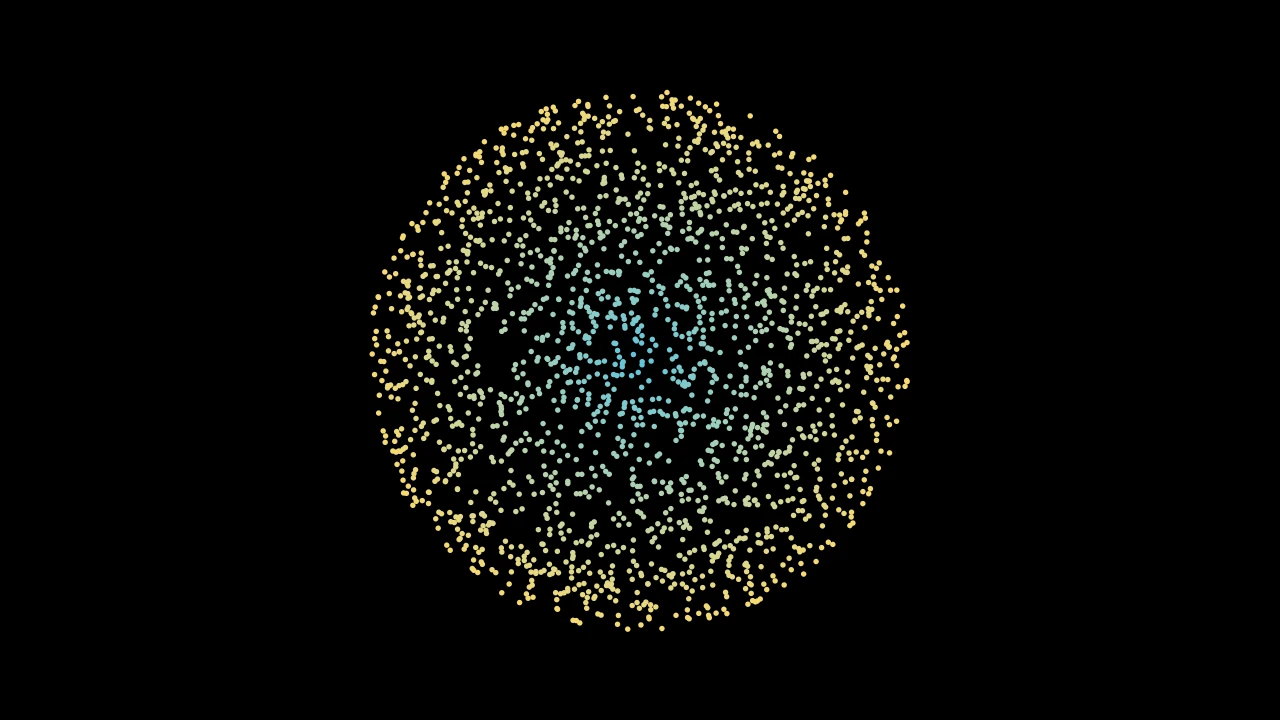
Mobjects drawn as points, each a dot of its own color.
The mobject
Mobject 
The object everything in a scene is made of: shapes, text, groups, trackers.
A mobject has points in scene coordinates (x to the right, y up, z out of the
screen; the frame is 8 units on its short side, about 14.2 × 8 at 16:9, centered
on the origin);
submobjects, a tree drawn and moved with it; a style: its fill, its stroke and their
colors; updaters, which change it as time passes; and a z-index, its place in the
drawing order. You make one through its subclasses — Circle,
Text, VGroup and the rest — and they all share
the methods here: to transform it (shift,
scale, rotate), lay it out
(next_to, arrange), style
it (set_color), keep it updated
(add_updater), and animate any of that
(animate).
A transformation or a style acts on the mobject's whole family — the mobject, its
submobjects, theirs, and so on — and returns the mobject, so calls chain:
Square().scale(2).set_color(BLUE). Size and layout go by the mobject's
bounding box: the smallest box, aligned with the
axes, around what it draws.
colorThe color of both fill and stroke (default white); None for the class's default.
fill_colorThe fill's color;
colorif not given. Several colors make a gradient alongsheen_direction.fill_opacityThe fill's opacity, from 0 to 1 (default 0: no fill).
stroke_colorThe stroke's color;
colorif not given. Several colors make a gradient.stroke_opacityThe stroke's opacity, from 0 to 1 (default 1).
stroke_widthThe stroke's width, in hundredths of a scene unit (default 4; 0: no stroke).
background_stroke_colorThe color of an outline drawn behind the fill (default black).
background_stroke_opacityThe outline's opacity, from 0 to 1 (default 1).
background_stroke_widthThe outline's width, in hundredths of a scene unit (default 0: none).
sheen_factorHow much the colors lighten toward
sheen_direction, from -1 to 1 (default 0); a negative factor darkens.sheen_directionThe direction the colors lighten toward (default
UL).joint_typeHow the stroke is joined where its path turns: round, beveled or mitered, as a two-dimensional scene draws it (see LineJointType; default AUTO: mitered).
cap_styleHow the stroke ends, at each end it shows (an open path's, a dash's): round, butt or square, as a two-dimensional scene draws it (see CapStyleType; default AUTO: butt).
shade_in_3dWhether a three-dimensional scene's light shades the mobject.
materialHow its surface reflects the scene's lights in a three-dimensional scene (see Material); None: Manim's shading (default).
nameA name for the mobject; its class's name if not given.
z_indexIts place in the drawing order: a higher index is drawn over a lower one (default 0).
targetThe state
MoveToTargetmoves the mobject to.
It also takes the style keywords.
Source
src/manimgx/mobject.py
submobjects 
The mobject's children, in drawing order: each is drawn over those before it, at an equal z-index.
name 
The mobject's name: its class's name, unless it was made with one.