Animations
The film's code
import manimgx as m


class AnimationsHero(m.Scene):
    def construct(self) -> None:
        square = m.Square(color=m.BLUE, fill_opacity=0.5)
        circle = m.Circle(color=m.PINK, fill_opacity=0.5)
        self.play(m.Create(square))
        self.play(square.animate.shift(2 * m.LEFT).rotate(m.PI / 4))
        self.play(m.Transform(square, circle))
        self.play(m.Indicate(square))
        self.play(square.animate.set_color(m.YELLOW).shift(2 * m.RIGHT))
        self.wait()
An animation changes mobjects over time. play plays it: the scene's
time runs for the animation's run_time (1 second unless you give another), and every
frame shows the change at that moment. Its rate_func paces it: slowly, then fast, then
slowly, unless you give another.
Any change a method makes animates: put .animate before the method,
self.play(square.animate.shift(m.RIGHT)). The animations below make the changes a method
can't: draw a shape in, write a text, turn one mobject into another, flash a point. Several
play together in one play, or one after another in a group.
-
.animate: any method call, animated. Move to a target, or back to a saved state. -
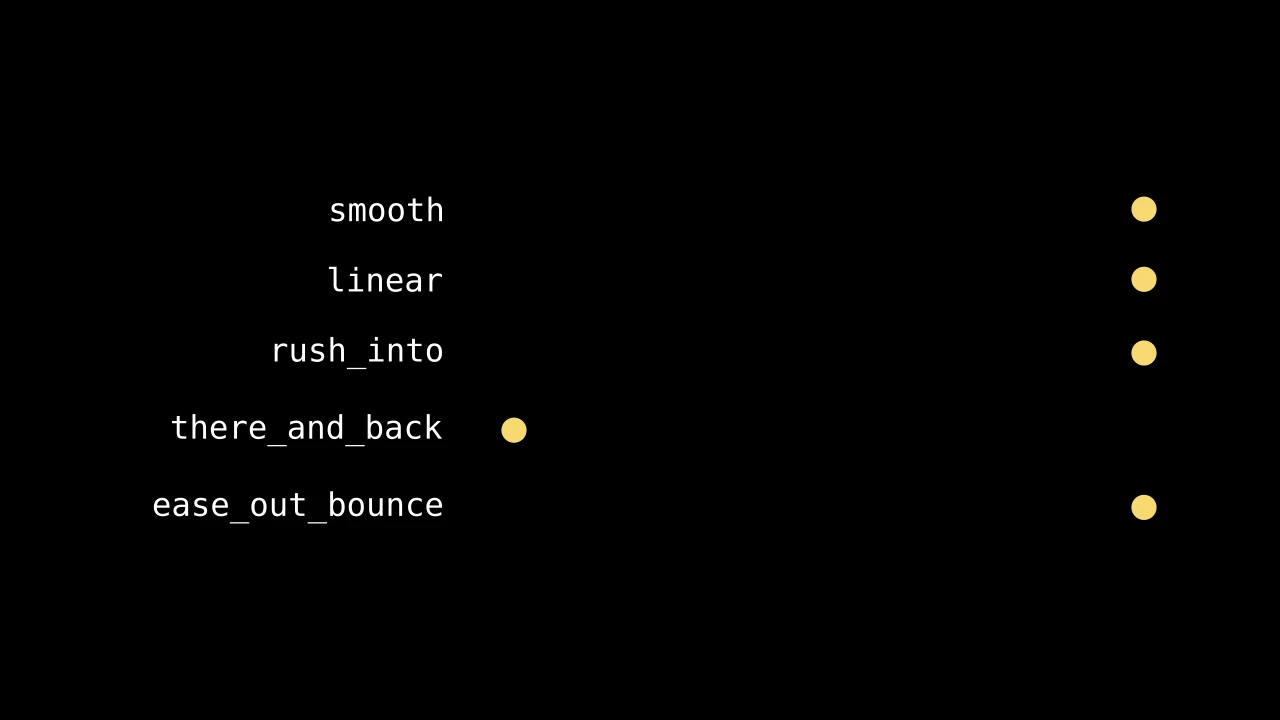
How an animation paces itself: smoothly, steadily, with a bounce or a wiggle.
-
Draw, write, fade and grow mobjects in, and take them out again.
-

Turn one mobject into another, match the parts of two formulas, swap places.
-
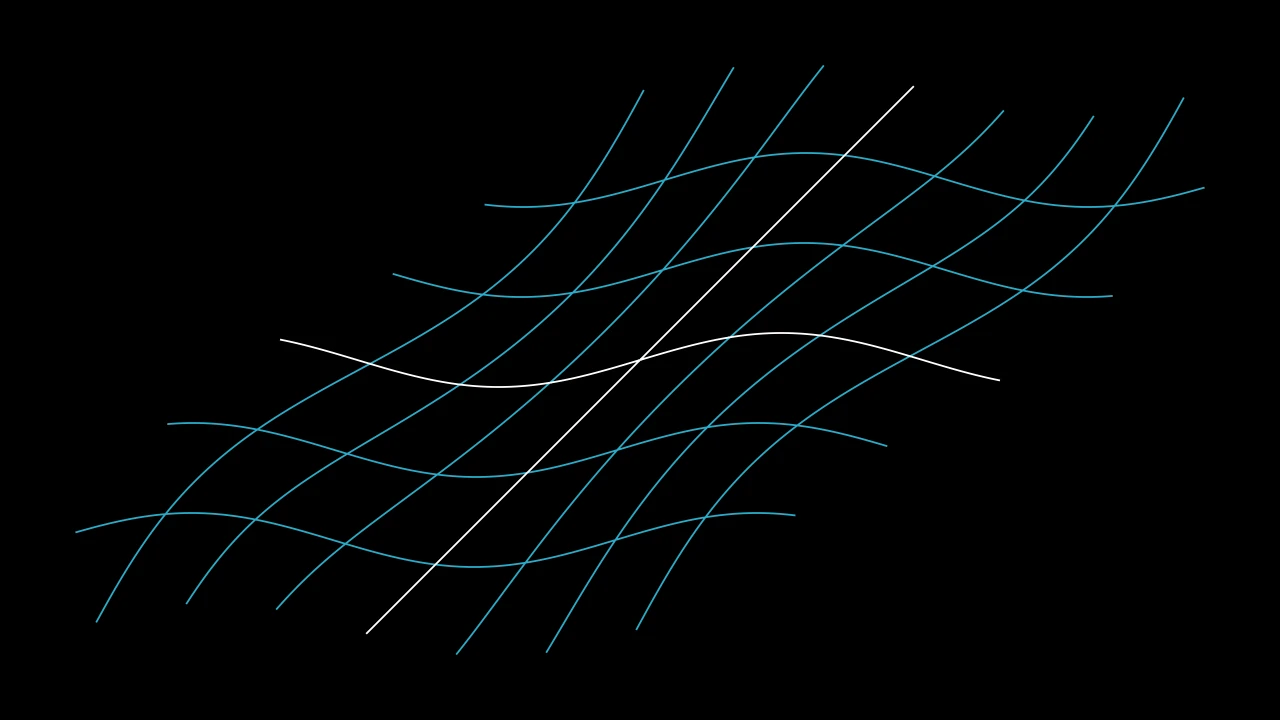
Turn about a point, follow a path, or carry every point through a function.
-
Draw the eye: indicate, circumscribe, flash, wiggle.
-
Play animations at once, one after another, or each shortly after the last.
The animation
Every animation takes the animation keywords: how long it runs, how it paces itself, and how its parts start one after another.
AnimationOptions 
The options every animation takes, by keyword.
Each animation class sets its own defaults for them: Create, for
instance, draws the parts of a mobject one after another (lag_ratio=1).
run_timeHow long the animation plays, in seconds (default 1).
lag_ratioHow the parts of the mobject are staggered: each begins this fraction of its run after the one before it begins (default 0: all together; 1: one after another).
rate_funcHow the animation's progress runs with time: a function from [0, 1] to [0, 1] (default
smooth; see rate functions).reverse_rate_functionWhether to run the animation backward (default False).
nameA name for the animation.
removerWhether the mobject leaves the scene when the animation finishes (default False).
suspend_mobject_updatingWhether the mobject's updaters run beneath the animation (default True): they keep acting on the mobject, and each frame shows the animation applied to the result. If False, they act on the animated mobject itself.
introducerWhether the mobject joins the scene when the animation begins (default False); otherwise the play brings it in when the play begins, if the scene lacks it.
use_overrideWhether a mobject whose class plays another animation in place of this one does so (default True).
run_time 
How long the animation plays, in seconds (default 1).
rate_func 
How the animation's progress runs with time: a function from [0, 1] to [0, 1]
(default smooth; see
rate functions).
lag_ratio 
How the parts of the mobject are staggered: each begins this fraction of its run after the one before it begins (default 0: all together; 1: one after another).
reverse_rate_function 
Whether to run the animation backward (default False).
remover 
Whether the mobject leaves the scene when the animation finishes (default False).
introducer 
Whether the mobject joins the scene when the animation begins (default False); otherwise the play brings it in when the play begins, if the scene lacks it.
suspend_mobject_updating 
Whether the mobject's updaters run beneath the animation (default True): they keep acting on the mobject, and each frame shows the animation applied to the result. If False, they act on the animated mobject itself.
use_override 
Whether a mobject whose class plays another animation in place of this one does so (default True).
name 
A name for the animation.
Animation 
Code
import manimgx as m


class DropIn(m.Animation):
    def interpolate_submobject(
        self, submobject: m.Mobject, start: m.Mobject, alpha: float
    ) -> None:
        submobject.points = start.points
        submobject.shift((1 - alpha) * 2 * m.UP).set_opacity(alpha)


class AnimationExample(m.Scene):
    def construct(self) -> None:
        word = m.Text("manimgx", font_size=144)
        self.play(DropIn(word, lag_ratio=0.3, run_time=2))
A change of mobjects over a stretch of scene time.
An animation plays for run_time seconds of the scene's time. Its progress,
alpha, goes from 0 at its start to 1 at its end, eased by its rate function (by
default smooth: slow, fast, slow). The parts of its mobject (the
members of its family that have points) can be staggered: with a lag_ratio, each
part begins that fraction of its run after the part before it, so 0 moves them all
together and 1 one after another.
Scene.play plays it. An animation that brings its mobject in
adds it to the scene as it starts, and one that takes its mobject out removes it as
it ends. The mobject's own updaters keep running while it plays: each frame shows
the animation applied to the mobject as its updaters have it then, and when the
animation ends, the mobject is as its last frame showed it.
To make an animation of your own, make a class from it, and override
interpolate_mobject: it sets the whole
mobject at the animation's progress, from 0 to 1, as it is before the rate function
eases it, so apply self.rate_func(alpha) yourself. The options are attributes of
the same names (self.rate_func, self.lag_ratio, …). An Animation itself
changes nothing: it holds its mobject in the scene for its run time.
mobjectThe mobject to animate; None for none, as a
Waithas.run_timeHow long the animation plays, in seconds (default 1).
lag_ratioHow the parts of the mobject are staggered: each begins this fraction of its run after the one before it begins (default 0: all together; 1: one after another).
rate_funcHow the animation's progress runs with time: a function from [0, 1] to [0, 1] (default
smooth; see rate functions).reverse_rate_functionWhether to run the animation backward (default False).
nameA name for the animation.
removerWhether the mobject leaves the scene when the animation finishes (default False).
suspend_mobject_updatingWhether the mobject's updaters run beneath the animation (default True): they keep acting on the mobject, and each frame shows the animation applied to the result. If False, they act on the animated mobject itself.
introducerWhether the mobject joins the scene when the animation begins (default False); otherwise the play brings it in when the play begins, if the scene lacks it.
use_overrideWhether a mobject whose class plays another animation in place of this one does so (default True).
It also takes the animation keywords.
Source
src/manimgx/animation/timeline.py
defaults 
The options this class sets by default, only those it changes from its base classes' (they cascade down the class hierarchy).
run_time 
mobject 
interpolate_mobject 
Set the whole mobject at a progress of the animation.
By default, it sets each part at its own progress (get_sub_alpha: staggered by
lag_ratio, eased by the rate function) through interpolate_keyframes.
Override it to set the whole mobject at once, and apply self.rate_func(alpha)
yourself.
alphaThe animation's progress, from 0 to 1, not yet eased.
Source
src/manimgx/animation/timeline.py