Rendering
The film's code
import manimgx as m


class RenderingHero(m.Scene):
    def construct(self) -> None:
        commands = m.Code(
            code_string="manimgx render scene.py\nmanimgx preview scene.py\nmanimgx check scene.py\nmanimgx still scene.py\nmanimgx present scene.py",
            language="bash",
            background="window",
        ).scale(1.2)
        self.play(m.FadeIn(commands))
        self.wait()
The manimgx command makes the video of a scene, an MP4 file, next to the scene's file.
It also plays the scene in a window while you edit it, checks it for problems a viewer would
see, draws a still, and presents it as slides. The configuration sets the video's size, frame
rate and background. From Python, a scene renders into a film, which a program can keep,
play in a window, or write.
-
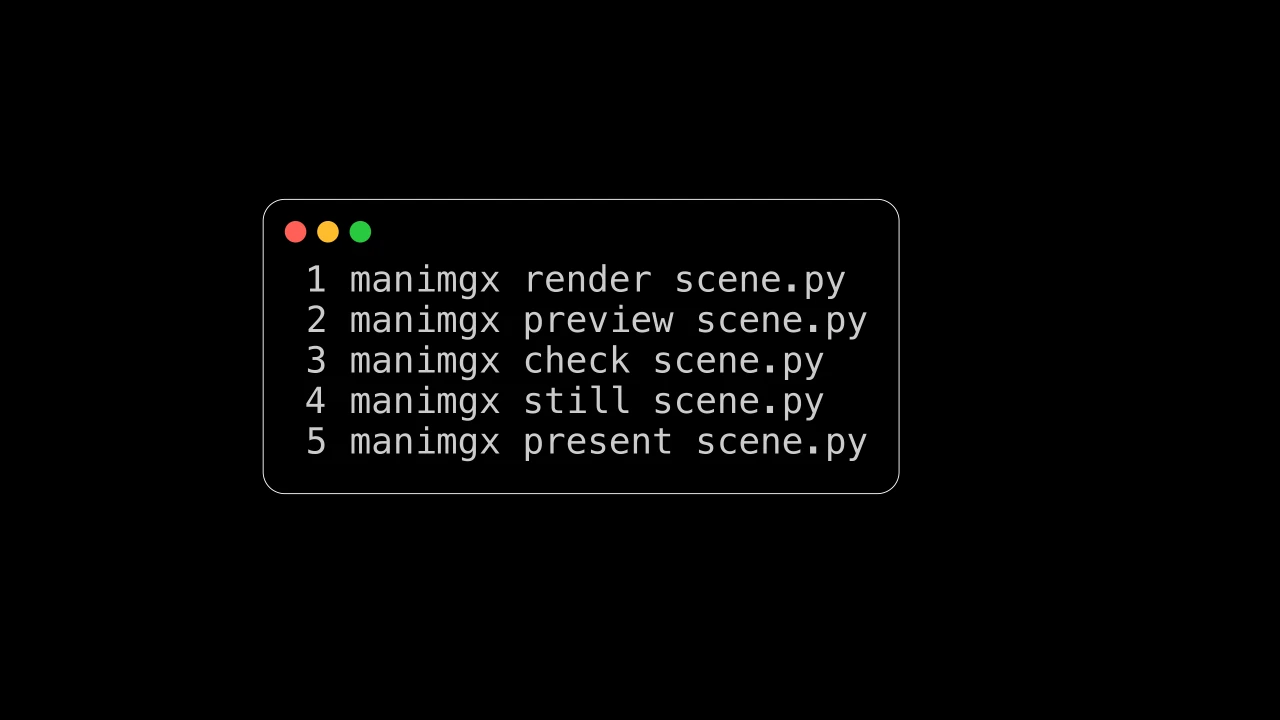
manimgx render,preview,check,stillandpresent, and their options. -
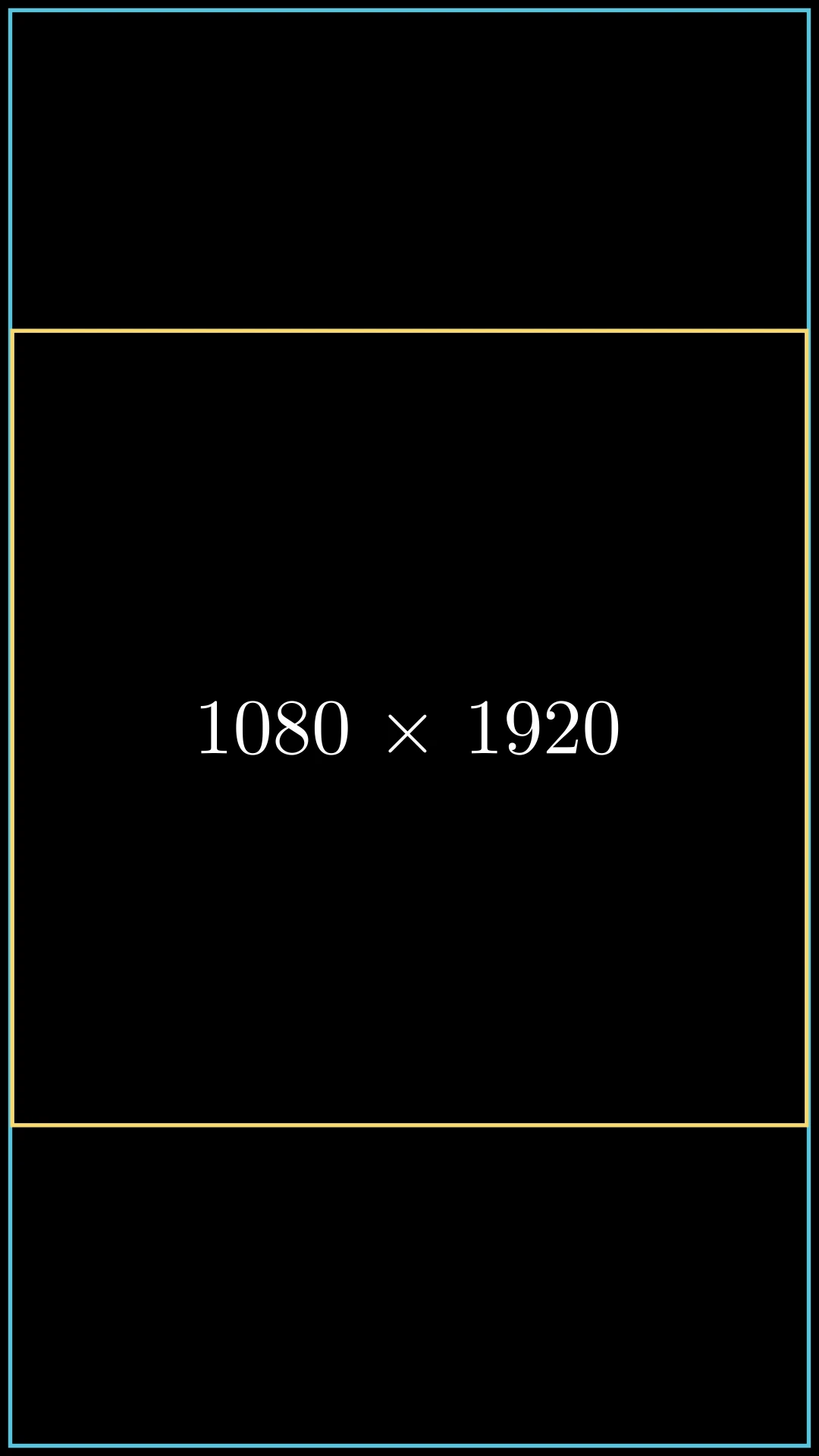
The video's size and frame rate, its background, and the frame's size in units.
-
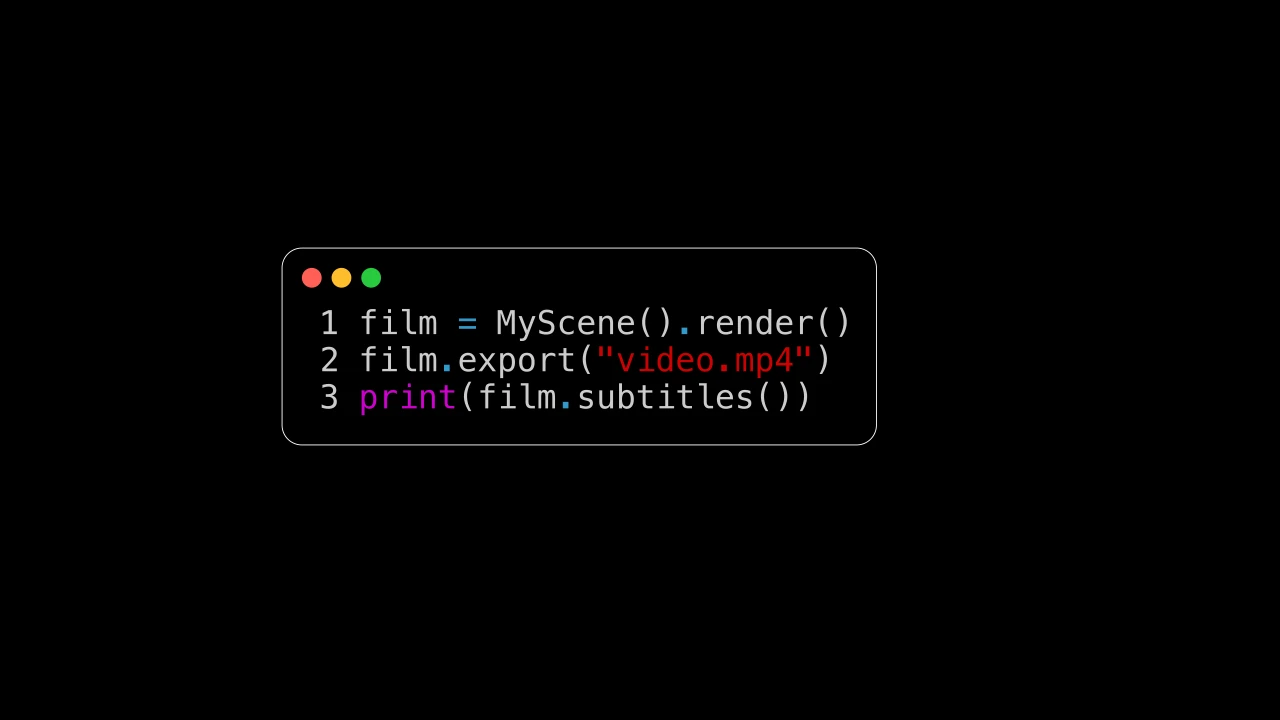
Render a scene from a program: its film, its frames, its sound and its captions.