Reference
A video is a scene. It shows mobjects in its frame: shapes, text, formulas, graphs and surfaces. Animations change them over time, and updaters keep a rule at every frame. The camera decides what the frame shows, flat or in 3D. Sound and a voice play along. Rendering makes the video.
This reference tells each part in that order, with all that it can do: Learn teaches the same story, one idea at a time.
-
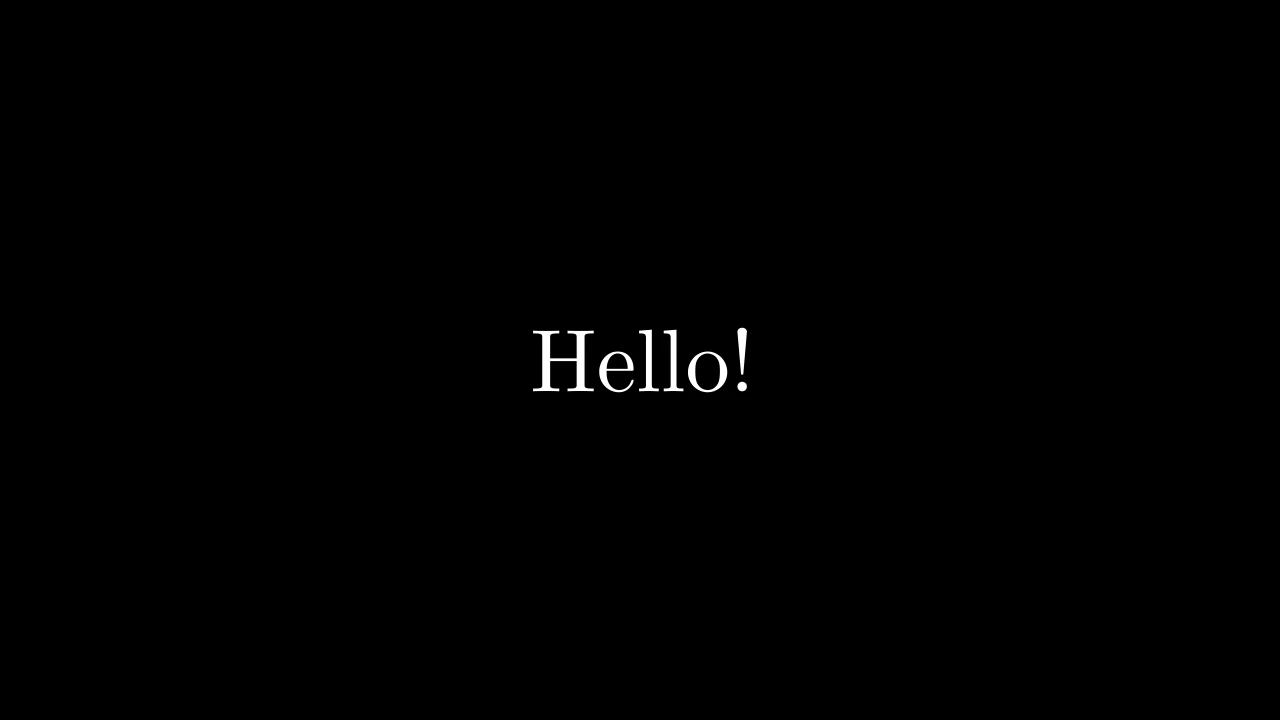
A scene is one video: what happens, in order, and the plays and waits that pass its time.
-
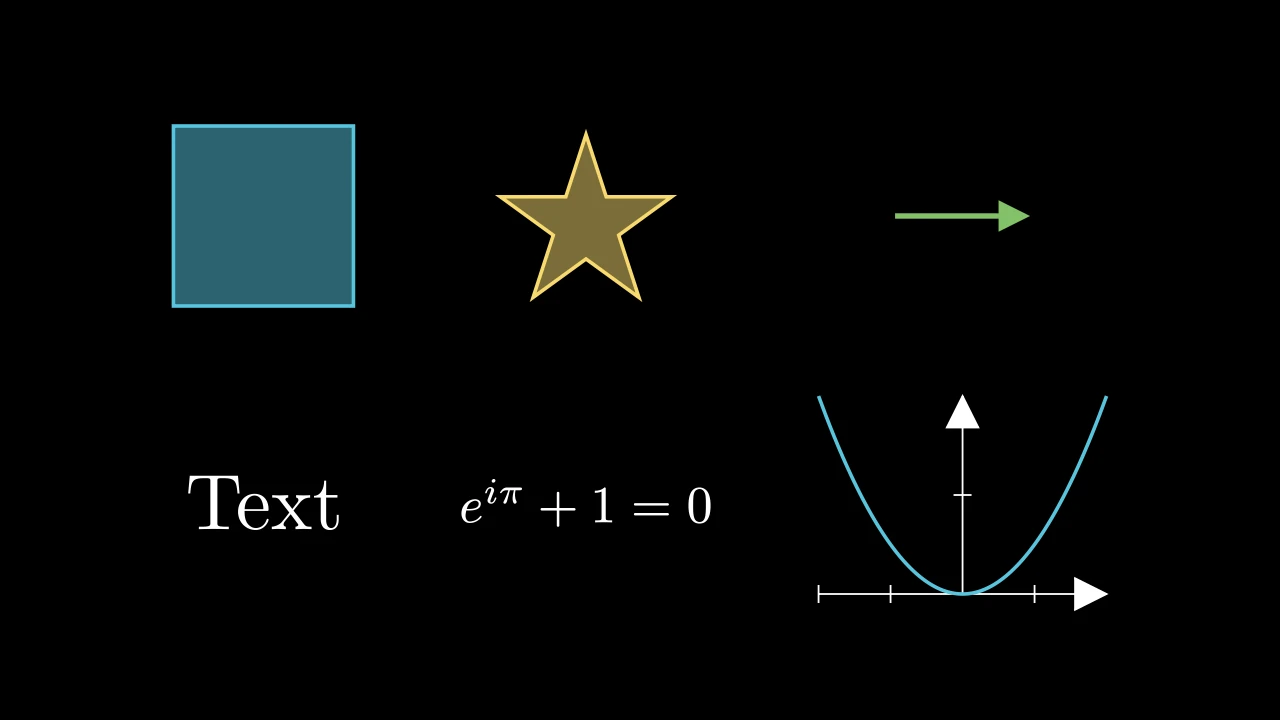
What a video shows: shapes, text and math, graphs, 3D, and what every one of them can do.
-

What changes mobjects over time: draw, write, transform, move, emphasize, in turn.
-
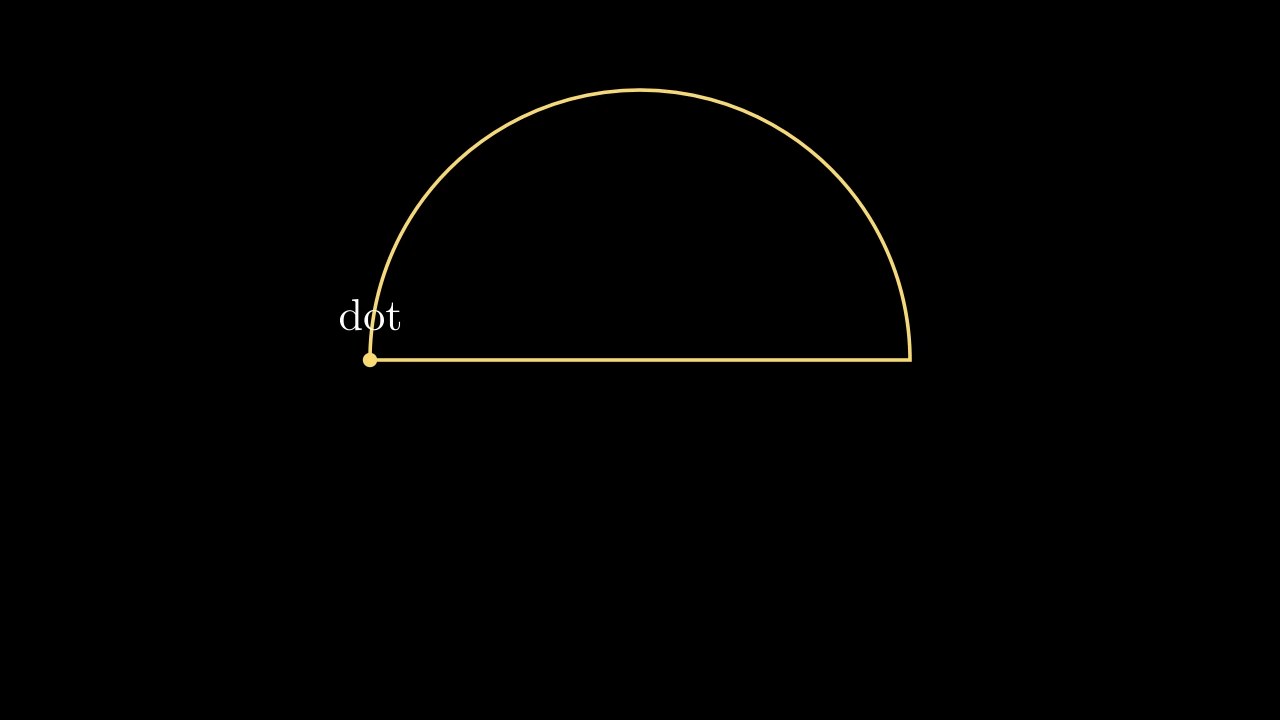
Rules a mobject keeps at every frame, and numbers to animate them by.
-
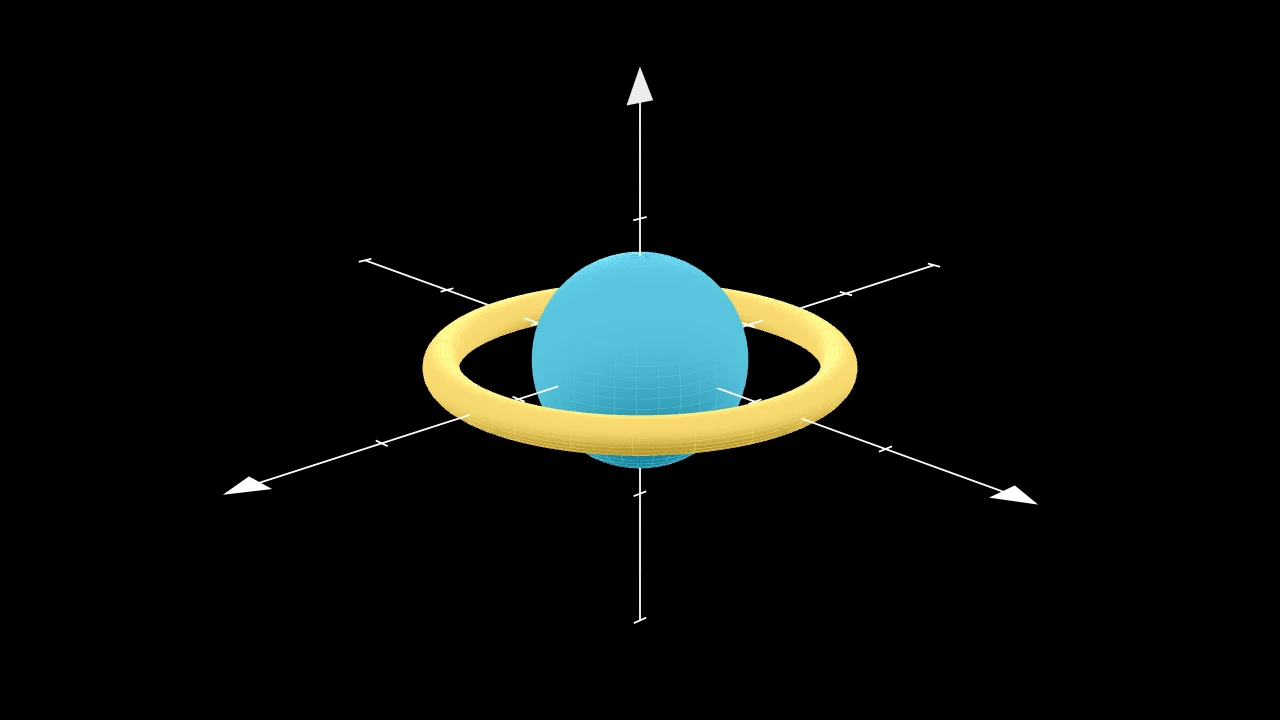
Pan and zoom, look at a 3D scene from any angle, light its surfaces.
-
Sounds with animations and under the video, and a voice that explains.
-
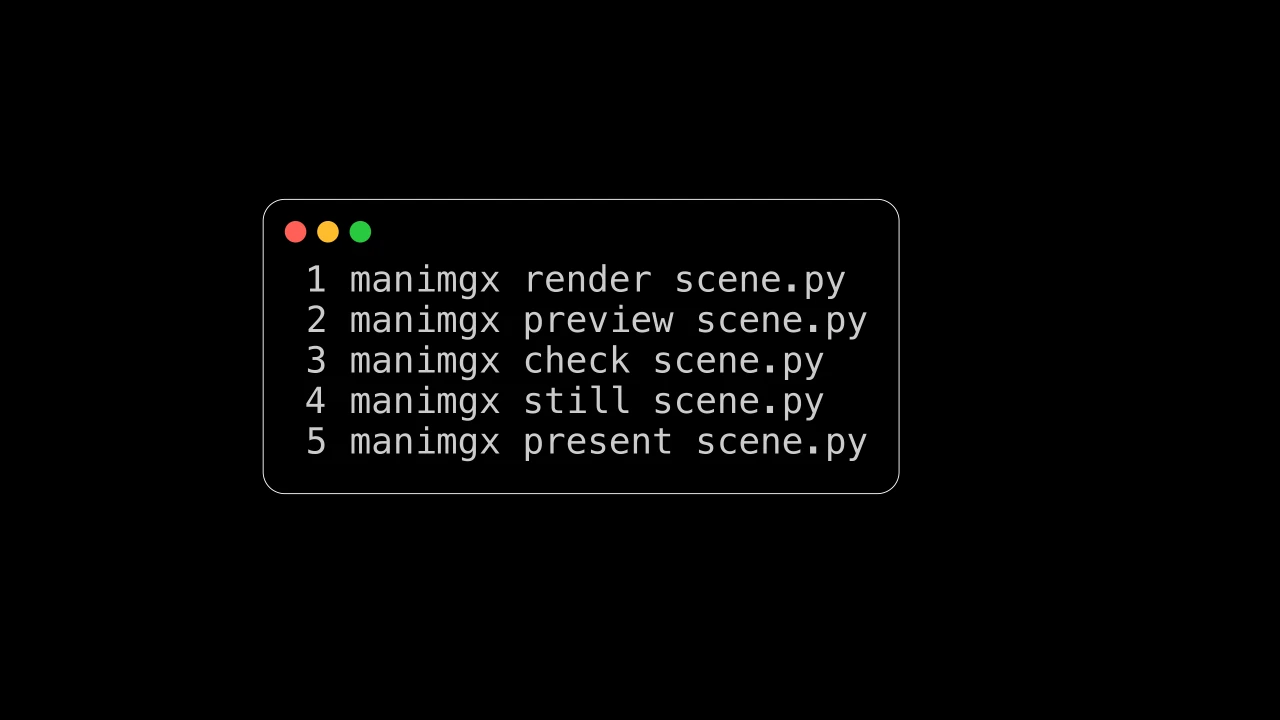
The command line, the video's size and frame rate, and rendering from Python.